|
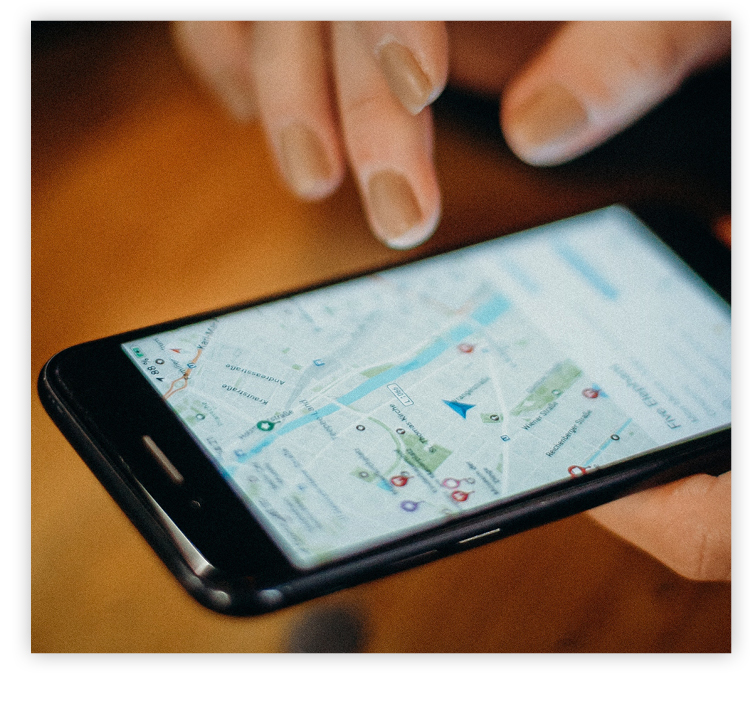 Question: It seems like every time I turn around, an app wants my permission to collect my location data. Why is that?
Answer: Apps collect location data for a variety of reasons. Some apps use specific location data to give you maps, coupons for nearby stores, or information about who you might know nearby. Some provide location data to ad networks, which may combine it with other information in their databases to target ads based on your interests and your location. Technically, very few apps absolutely need your location. Most of the time, granting permission to use your location data is just an added convenience for you, since it bypasses a manual step that you would have to take otherwise. For example, you could manually enter your zip code for a lot of different apps that normally would use your phone’s GPS (like weather apps and shopping apps). But most of the time, it’s easier and faster to have apps figure out our location for us. Some apps, such as navigation ones, are completely useless without enabling location services. After all, without knowing your exact location, Google Maps would have no idea when to tell you to turn left onto that street coming up in 300 feet. Once an app has your permission to access your location data, it can do so until you change the settings on your phone. If you don’t want to share your location with advertising networks, you can turn off location services in your phone’s settings. But if you do that, apps won’t be able to give you information based on your location unless you enter it yourself. |
|
||
News
TUTORIAL/FAQ
TUTORIAL/FAQ
COOKING DEMO
COOKING DEMO
|

Homemade Salsa Celebrate National Salsa Month by making salsa at home instead of buying it at the store. Fresher is better! |
|

3 Quick Chicken Recipes Bored with your chicken dishes? Try Honey Lime Drumsticks, Ranch Chicken Fingers, and Caprese Chicken. |
|
||
CUSTOMER ALERT
CUSTOMER ALERT
|
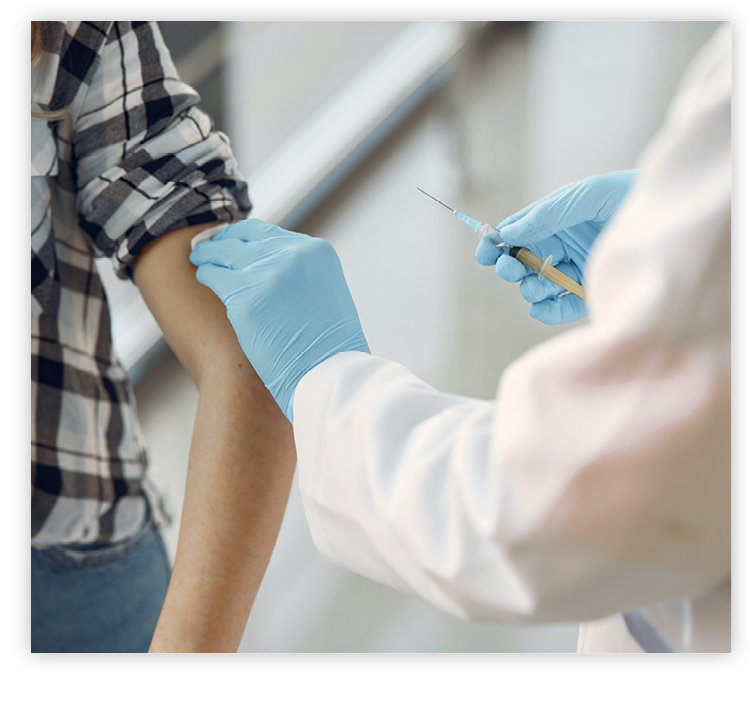 Excited about getting vaccinated against COVID-19, many people in recent months have posted photos of their vaccination card on social media. Unfortunately, scammers are using the images to make and sell fake vaccination cards.
As some venues and destinations start requiring proof of COVID-19 vaccination, the official Centers for Disease Control and Prevention cards given to those who get immunized have become a hot commodity on the black market. Fake vaccine cards have sold for hundreds of dollars on major platforms such as Twitter, Instagram, and eBay. For this reason, the FBI has advised against posting photos of your vaccination card on social media. If you want to inform friends and family that you got your shots, simply post a selfie with the vaccination site in the background. You can also add a frame to your Facebook Profile photo that says “We Can Do This — I Got My COVID-19 Vaccine.” Another reason not to share your vaccination card on social media is the risk of identity theft, since the card bears your name and date of birth. Scammers can use this information to gather more about you on the dark web. They can even contact you after your first shot, posing as someone rescheduling or confirming your second shot, to ask for your Social Security number. |
|
||
SRT Technician Receives Minot Chamber EDC Eagle Award
SRT Technician Receives Minot Chamber EDC Eagle Award

SITES OF THE MONTH
SITES OF THE MONTH
|

Tour HGTV Smart Home Check out the interior and exterior of this coastal-inspired home and enter the sweepstakes for your chance to win it. Learn more… |
|

Every Life has a Story Real life tends to be more fascinating than fiction, which you’ll discover when exploring the lives of famous people here. Learn more… |
|

Valuable Money Lessons Learn to be skeptical about financial offers and make smarter choices about credit cards, retirement, and more. Learn more… |
|
||