• Skip to content
  • Skip to footer
  • WEBMAIL
  • SMARTHUB

SRT.COM

  • INTERNET
  • SECURITY
  • PHONE
  • BUSINESS
  • TV

Service Notifications

Service Affecting Cable Cut

Apr 30 2020

Service Affecting Cable Cut

SRT Internet and Phone services affected in Southeast Minot. Cut Cable Causing Damage to SRT Services.

Update | Friday, May 1st 9:30am
All affected customers should now have service restored. If for any reason you are having internet or phone troubles please contact us at 701-858-1200.


Update | Friday, May 1st
SRT technicians worked throughout the night to repair the damage from the cut cables. Construction was completed and technicians were able to resplice new cables into place. The majority of affected customers (approximately 90%) should have service restored and we will continue to work to  restore the remaining services. 


Earlier today, SRT’s cable facilities were cut. These cable facilities provide internet, data services and telephone services to customers in Southeast Minot. The affected area of Southeast Minot includes the area between 13th Street SE and US Hwy 83/South Broadway (near 31st Ave.).

SRT personnel are on site and assessing the damage. We are working to fix the problem as quickly and safely as possible.
PrevPreviousSRT ANNUAL MEETING POSTPONED
NextSusanne Hoskin Promoted To Human Resources AdministratorNext

Internet Service Interruption Notification

Nov 14 2019

Internet Service Interruption Notification

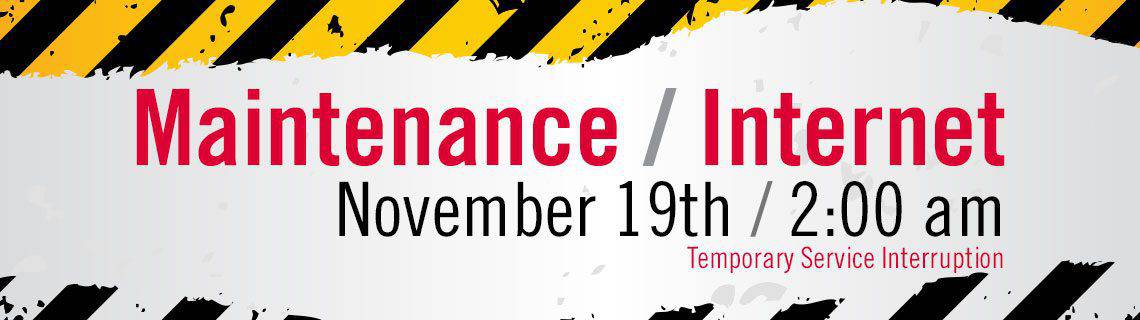
internetmaintenance_landingpage

We want to make you aware that on Tuesday, November 19, 2019 between 2:00am and 3:00am SRT will be upgrading our Internet equipment, which will cause an interruption to your internet service. During this time, we will be upgrading a significant piece of hardware equipment which will allow SRT to continue to bring the fastest and most reliable broadband internet service to the area.

While we try to make these changes during the middle of the night, to reduce impact on customers, we understand that it may affect you. The down time will affect your Internet service which may also include connected devices such as smart home gadgets or security or video surveillance systems.

We will do our best to keep the service disruption time to a minimum. If you experience any Internet difficulties following the planned maintenance, please power cycle your modem or router and turn it back on after 30 seconds. If issues persist, please contact our Internet Help Desk at 701-858-7873.

Your security alarm panel may send an alert of a “Com Failure” and start beeping. If you would prefer to turn your panel volume down to avoid hearing a constant beeping, instructions are below. The panel beeping sound is different than a security alarm and will not affect your security alarm from operating properly.

If this occurs, enter your Master Code twice on your Alarm Panel to stop the beeping tone. If your Security System is “Armed”, this “Com Failure” alert will not affect the system from operating properly. However, you will not be able to use your Total Connect functions until the Internet service has been restored.

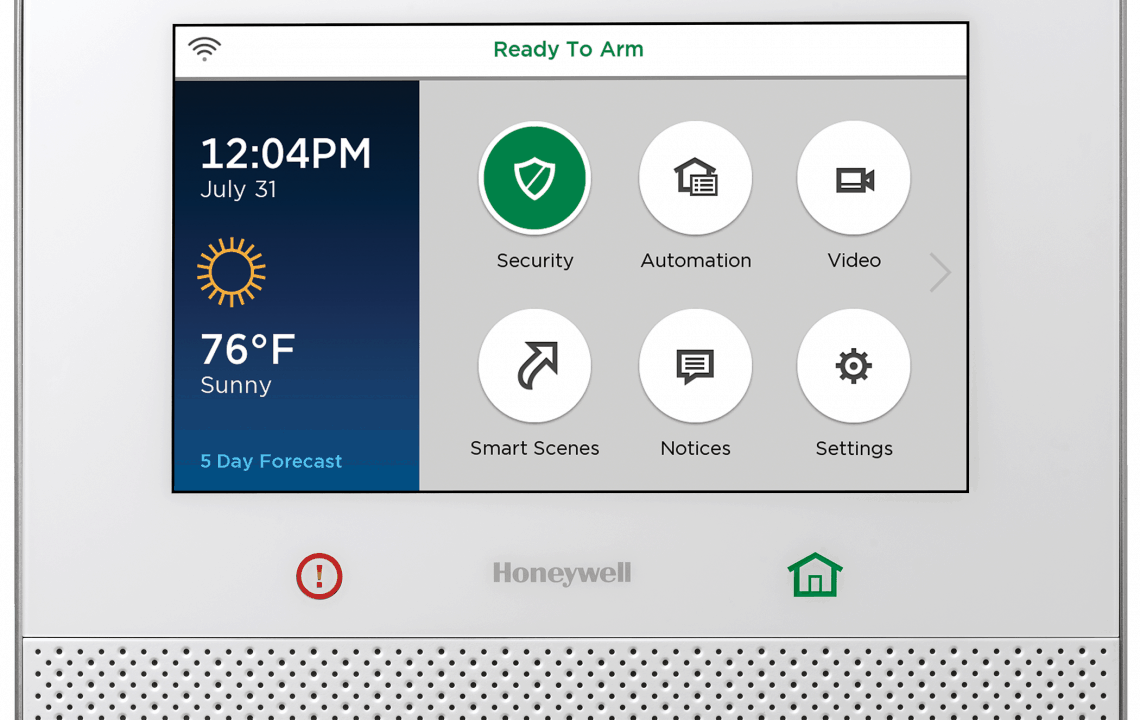
LYNX5100_ReadyToArm

If your system loses Internet connectivity, to Reconnect Your Lynx Alarm Panel to the Internet:

  1. Go to “Tools”
  2. Key in your “4-digit Master Code”
  3. Select “Test”
  4. Select “Reboot”
  5. When prompted, answer “Yes”

Please allow a few minutes for your Alarm Panel to reboot.

Once it has reconnected to the Internet, it will be fully functional again.

To Lower the Volume on the Lynx Alarm Panel so as not to interrupt you in the middle of the night:

  1. Go to “Security”
  2. Select “More”
  3. Select “Settings”
  4. Select “Volume”
  5. Adjust the slider with your finger to desired volume.
  6. Select “Save”

Lowering your volume will only change the sound on your panel. This will NOT affect the volume of the internal siren, which signals you of intrusion or fire detection.

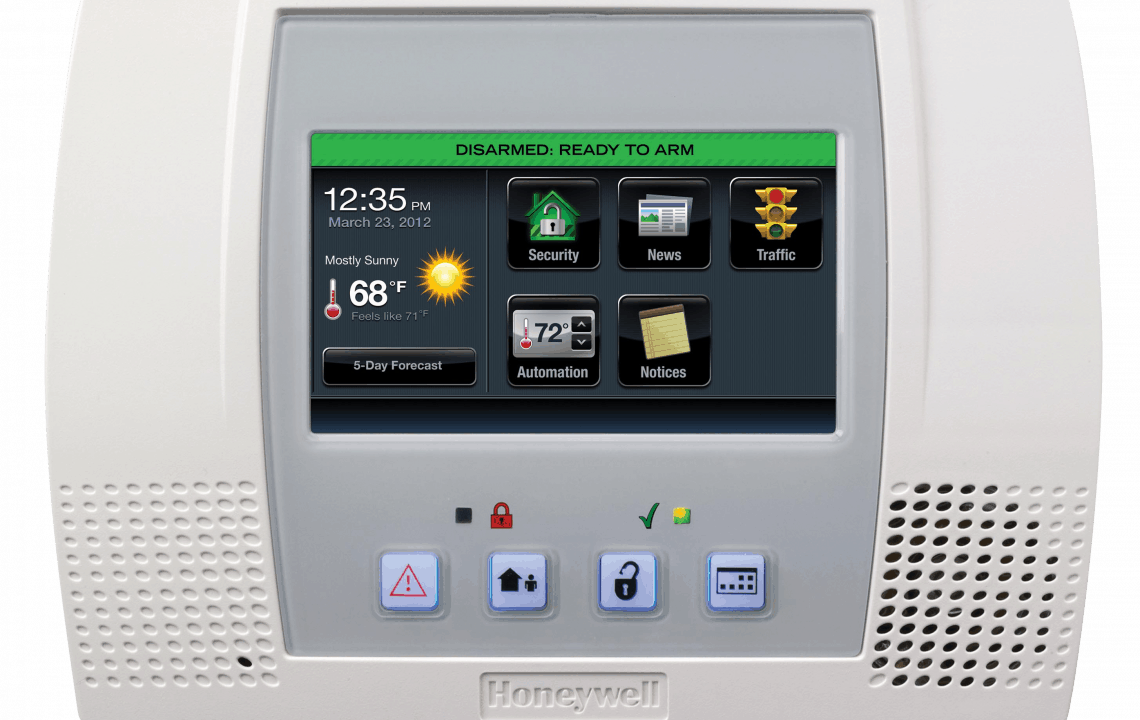
Lyric-Controller-Disarmed_hi

To Reconnect Your Lyric Alarm Panel to the Internet:

  1. Go to “Tools”
  2. Key in your “4-digit Master Code”
  3. Select “Advanced”
  4. Select “Reboot”
  5. When prompted, answer “Yes”

Please allow a few minutes for your Alarm Panel to reboot.

Once it has reconnected to the Internet, it will be fully functional again.

If you have any questions or concerns, please contact 852-8888.

Thank you for your patience as we upgrade our Internet service.

PrevPreviousHow Netflix Gets to Your Home
NextMUST SEE VIDEOSNext
  • « Previous Page
  • Page 1
  • …
  • Page 3
  • Page 4
  • Page 5

Footer

Tools and More
HELP & SUPPORT
SPEED TEST
ONLINE DIRECTORY
PAYMENT OPTIONS
LIFELINE PROGRAM

SRT
ABOUT US
SRT CARES
NEWS
JOIN OUR TEAM
LEGAL


701.858.1200
FOLLOW US:
SRT Facebook  SRT LinkedIn  SRT Twitter  SRT Instagram
SRT YouTube

Generic filters
Exact matches only

This institution is an equal opportunity provider and employer. @2026 SRT Communications, Inc. All Rights Reserved.

S R TLogo Header Menu
  • WEBMAIL
  • SMARTHUB
  • INTERNET
  • SECURITY
  • PHONE
  • BUSINESS
  • TV