|
 MapMyWalk
Make the most of every mile by tracking your walks, getting motivation from others, and analyzing your data.
Learn more…
MapMyWalk
Make the most of every mile by tracking your walks, getting motivation from others, and analyzing your data.
Learn more…
|
|
 GasBuddy
Find out where to fill your tank to get the best price. This app has saved users over $3.1 billion in the last 15 years.
Learn more…
GasBuddy
Find out where to fill your tank to get the best price. This app has saved users over $3.1 billion in the last 15 years.
Learn more…
|
|
 SnapHabit
Want to develop new habits? Increase your odds of success by seeing graphs of your progress and more.
Learn more…
SnapHabit
Want to develop new habits? Increase your odds of success by seeing graphs of your progress and more.
Learn more…
|
|
||
MUST SEE VIDEOS
MUST SEE VIDEOS
|
 Orangutan Driving Golf Cart
Here’s something you don’t see every day — an orangutan named Rambo driving around as if he owns the property.
Orangutan Driving Golf Cart
Here’s something you don’t see every day — an orangutan named Rambo driving around as if he owns the property.
|
|
 Watch Winning Waves
At age 50, Kelly Slater has won 11 world surfing titles. He’s widely regarded as the greatest pro surfer of all time.
Watch Winning Waves
At age 50, Kelly Slater has won 11 world surfing titles. He’s widely regarded as the greatest pro surfer of all time.
|
|
||
TUTORIAL/FAQ
TUTORIAL/FAQ
|
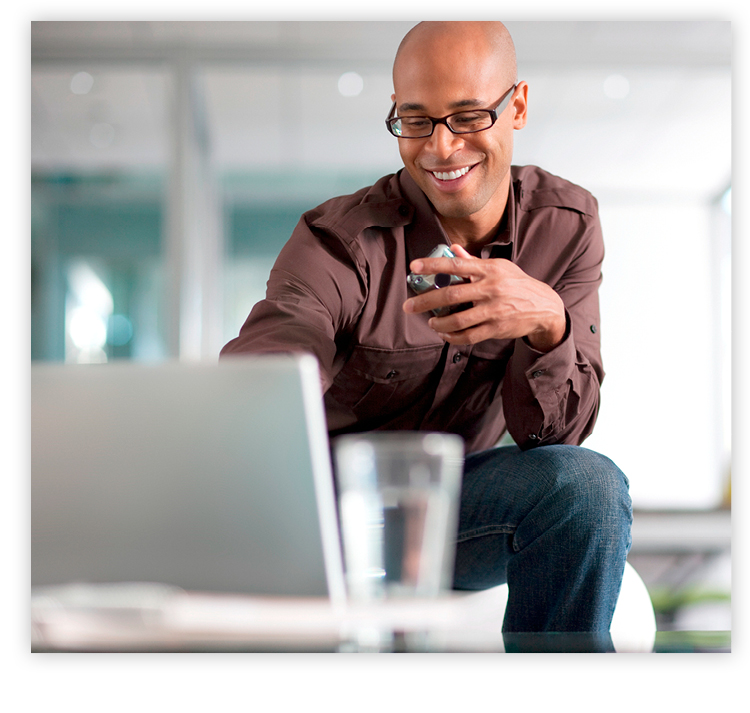 Question: I use my laptop frequently when I’m away from home. How can I safely use public Wi-Fi?
Answer: Wi-Fi networks in coffee shops, libraries, airports, hotels, and other public places are convenient, but they can present security risks. If the Wi-Fi network isn’t secure, and you log into an unencrypted site, other users on the network could potentially hijack your session and log in as you. New hacking tools — available for free online — make this easy, even for users with limited technical know-how. Your personal information and even your login credentials could be up for grabs. There are ways, however, to minimize your risk:
|
|
||
COOKING DEMO
COOKING DEMO
|

20 Sheet Pan Dinners Cooking everything in one pan is one brilliant way to minimize work. Check out the many delicious recipes here. |
|

Morning Glory Muffins Start your day off right! These yummy muffins have whole wheat flour, grated carrots and apples, pineapple, and nuts. |
|
||
TUTORIAL/FAQ
TUTORIAL/FAQ
|
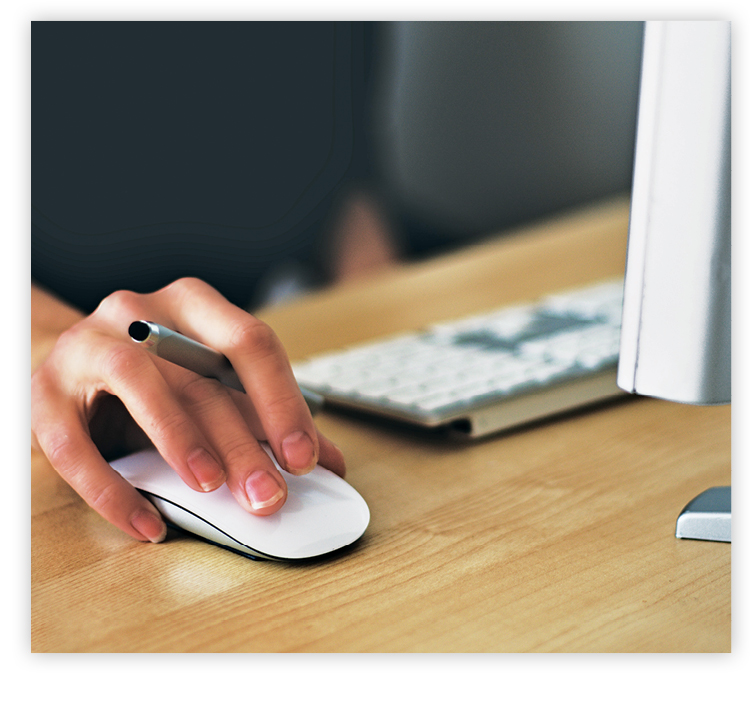 Question: I’ve always used a mouse, but many of my friends swear by touchpads. What are the advantages of each?
Answer: A mouse is significantly better for people who work from a static location and have a large flat surface available. This is because using a mouse gives you incredible precision, which allows you to work more quickly and productively on your computer with a higher level of accuracy. In addition, using a mouse rather than a touchpad can be better for your well-being by keeping your shoulders, neck, and forearm more relaxed. However, people who travel a lot for work or like to move their laptop from room to room at home will probably be happier with a touchpad. That way, you don’t have to carry a mouse around with you all the time and can more easily use a laptop from an airport chair or your living room sofa. Even if you prefer using a mouse, it’s a good idea to get familiar with your touchpad so you can still use your laptop should your mouse quit working. |
|
||